How to Login to The Great Body Shop
See the various methods below for each type of account.
How Teachers login
- Open Clever, you can access Clever by going to this webpage : https://clever.com/in/centralpoint
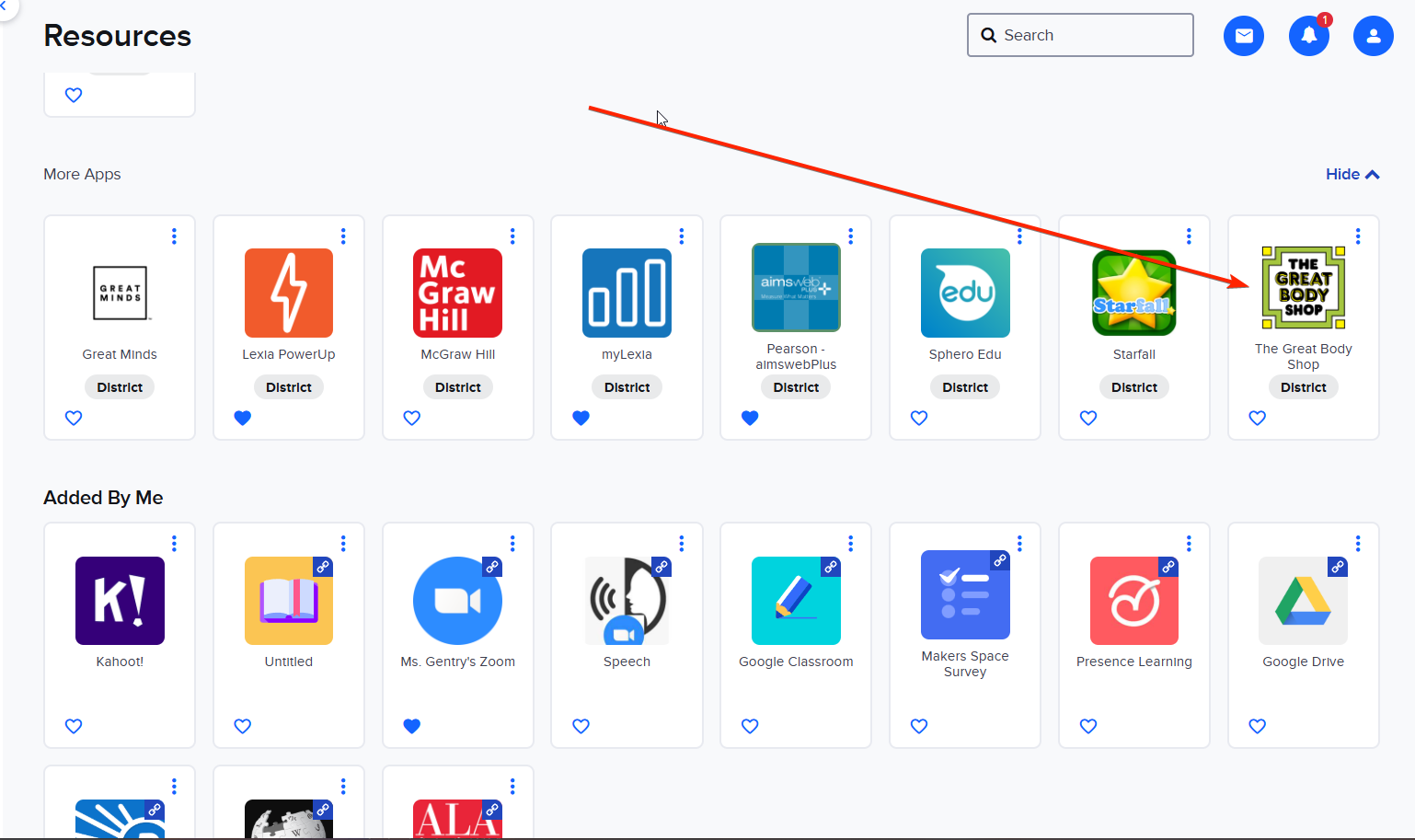
- Select The Great Body Shop from your list of applications
How Students login:
- Students will open Clever.
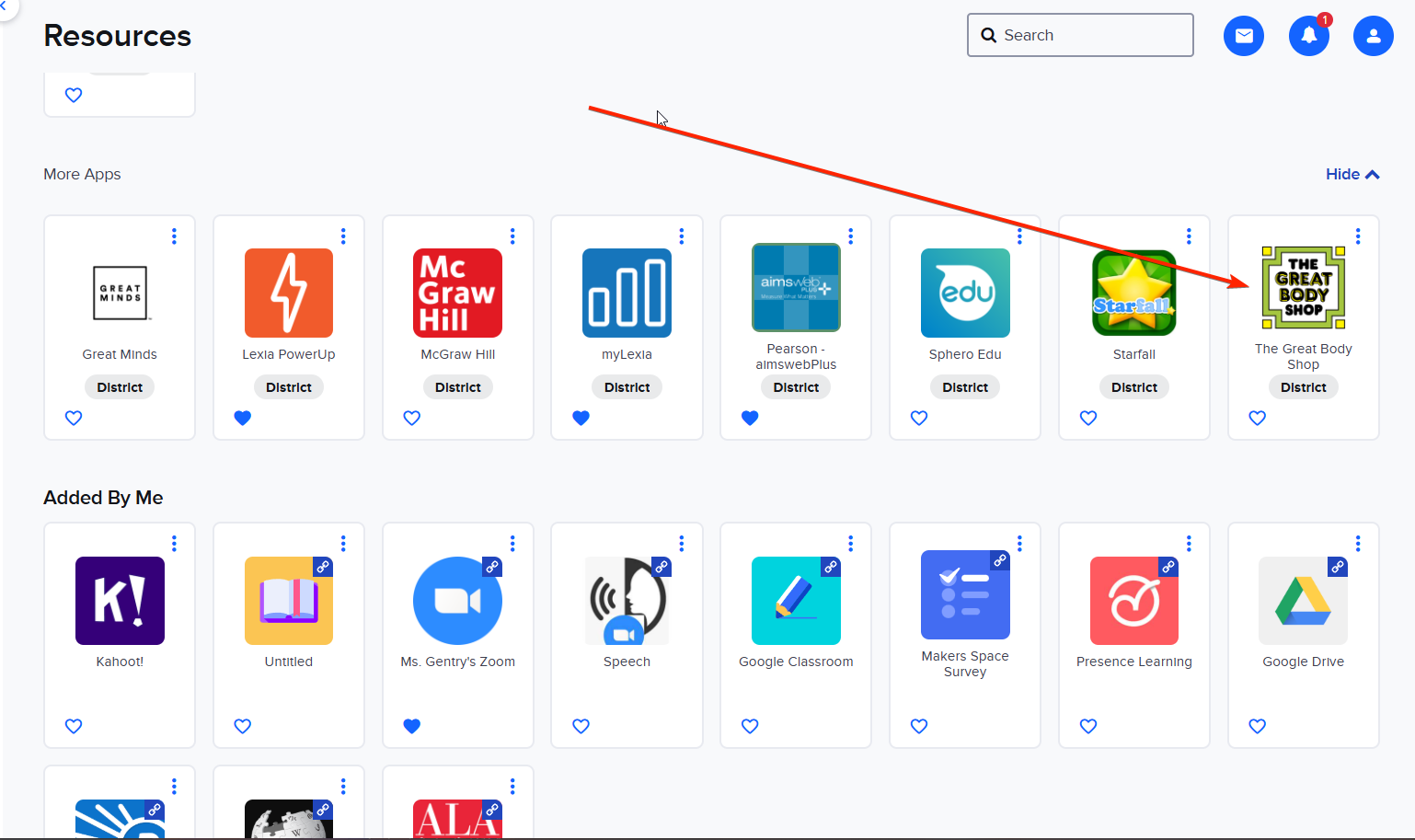
- Select The Great Body Shop from their list of applications.
How Administrators login:
- Go to https://www.thegreatbodyshop.net/secure/login
- Enter your email for your username.
- Your password is available by request, but you should have received a first time password via email from IT.