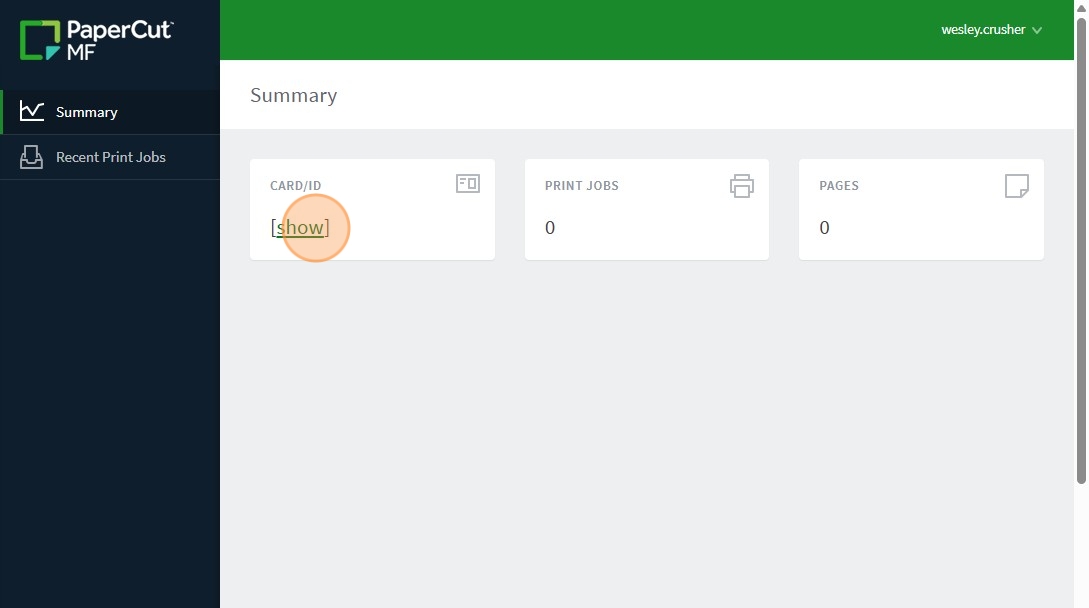
Here is how you can find your copy code:
1. Search gmail for papercut@district6.org . This is the sender of your copy code so it should help you find the email with your copy code. If you still can't find it proceed to step 2.
2. PLEASE NOTE THIS STEP WILL ONLY WORK ON CAMPUS! It will not work from home.
Navigate to http://papercut.district6.org:9191/user
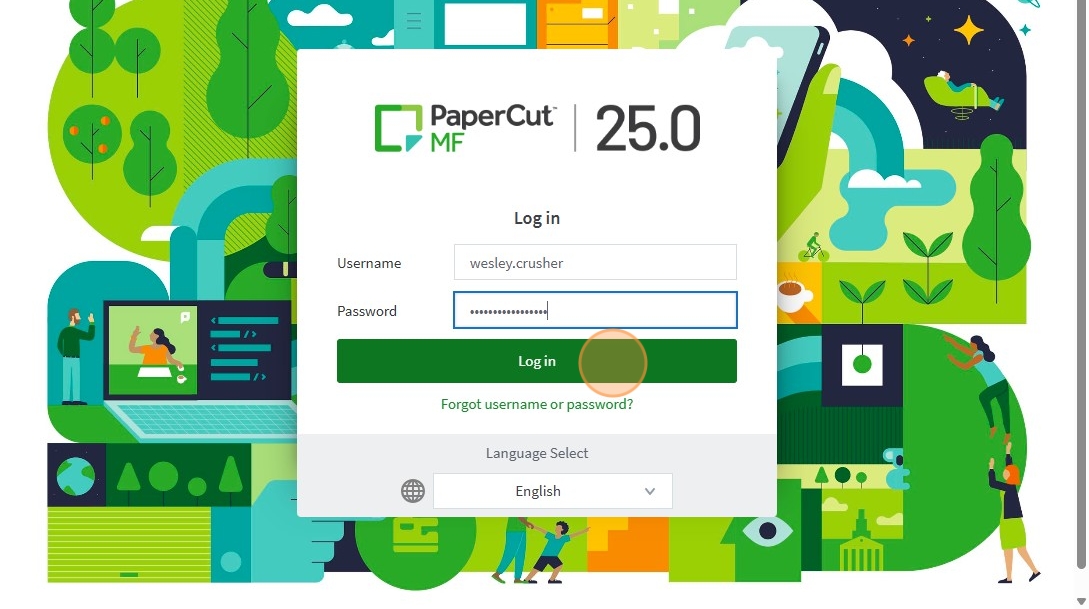
3. Type "first.last" and same password you use for email and logging into your computer
4. Click "Log in"
5. Click "show" and your ID will be shown